
BlueLight Software Updates

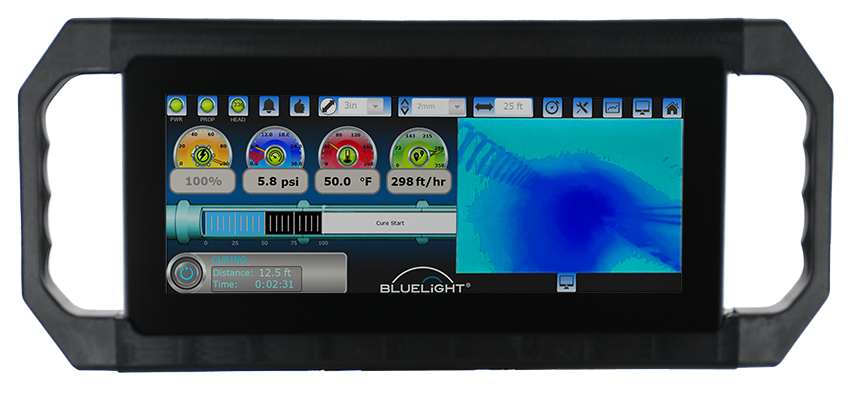
Current Release: Version 2.84
Release Date: May 2025
Download the latest BlueLight software update for your Next Generation controller. Updating to the most recent version is strongly recommended to ensure optimal performance and access to the latest enhancements.
What's Included in This Update
– Improved pressure display readability
– Updated warning notifications
– Enhanced liner selection guidance
– Updated pressure monitoring parameters
– Multi-language alarm text improvements
How to Install
– Download zip file.
– Extract zip file on your computer and download file on a USB drive.
– Insert USB drive into USB port on the Bluelight controller.
– Open the TOOLS menu and select the SETUP tab.
– Press the LOGIN button – a dialogue will open to login
– Enter 12345 into both the username and password.
– After login, the SOFTWARE UPDATE button will highlight. – Press this button
– The controller will reboot in Recovery Mode
– Select INSTALL FROM FILE
– Find and highlight the file you loaded on the USB drive – It will be titled “Bluelight_Software_v2_84_250505.swu”
– Press START
– Software will install and finish with SUCCESS
– After SUCCESS, press REBOOT
– Your Bluelight system is now upgraded.
Need Assistance?
If you need help updating your system or have questions about software compatibility, contact HammerHead Technical Support.
+1 (920) 648-4848